Activation instructions:
- On TWITCH.TV log out of your account and log into purchased twitch account
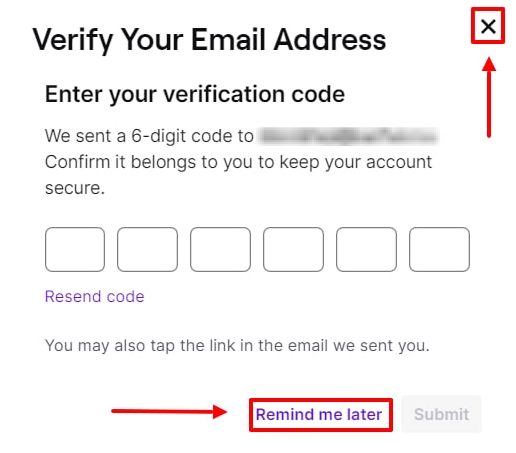
- If twitch asks you for a code from the mail then press "remind later", "cross" or F5 on your keyboard.
- Follow the link ea.com/twitchlinking, click the "Connect" button, then connect your game account. If you play on STEAM, you can additionally connect it using the link twitch.tv/settings/connections.
- Everything is ready, the reward will be available the next time you start the game. After getting all the items you can unlink twitch from your game account.