Activation instructions:
- On TWITCH.TV log out of your account and log into purchased twitch account
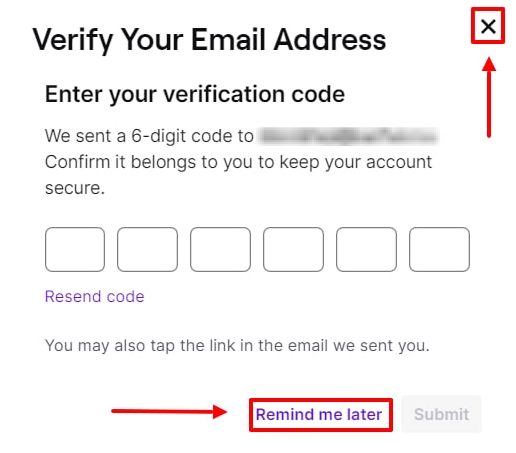
- If twitch asks you for a code from the mail then press "remind later", "cross" or F5 on your keyboard.
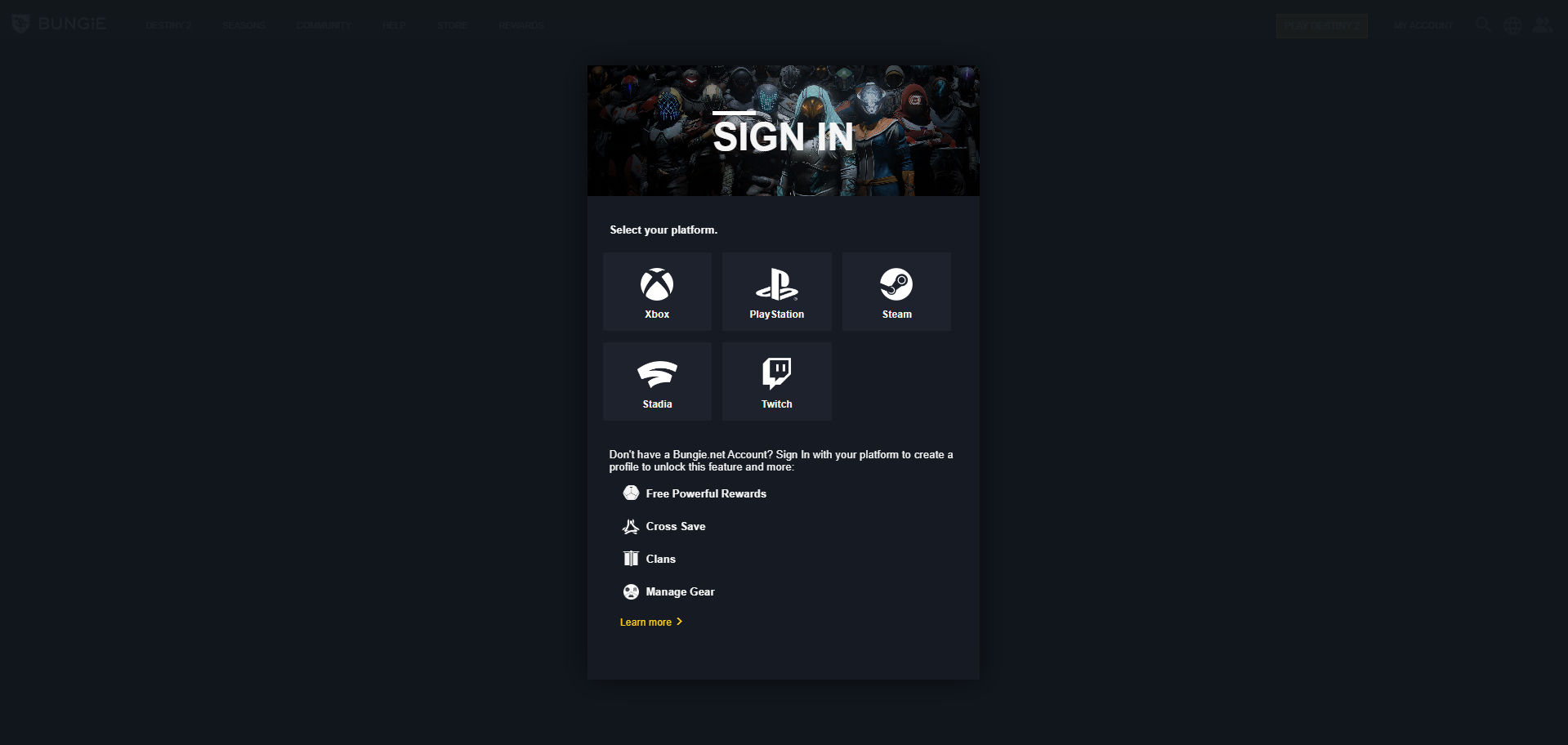
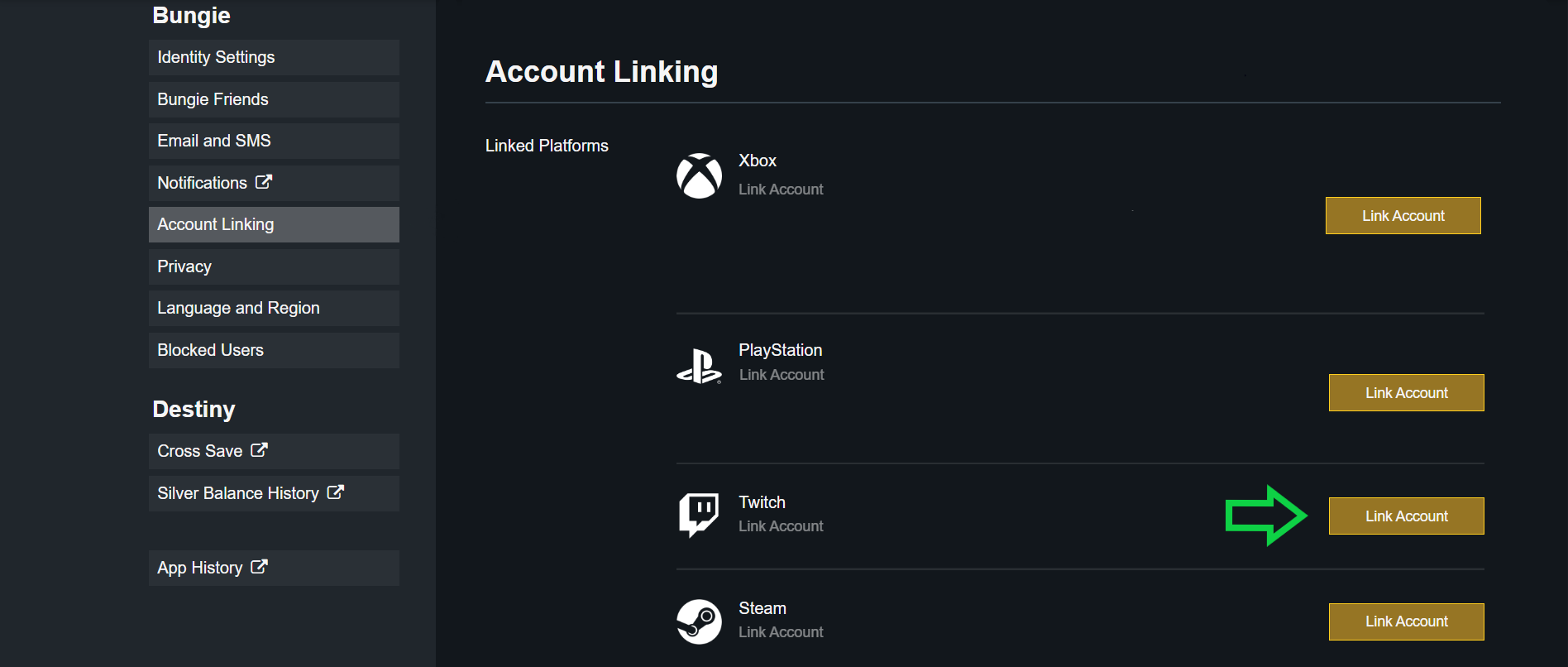
- Link your Bungie.net account to the purchased Twitch account using the "Account Linking" tab
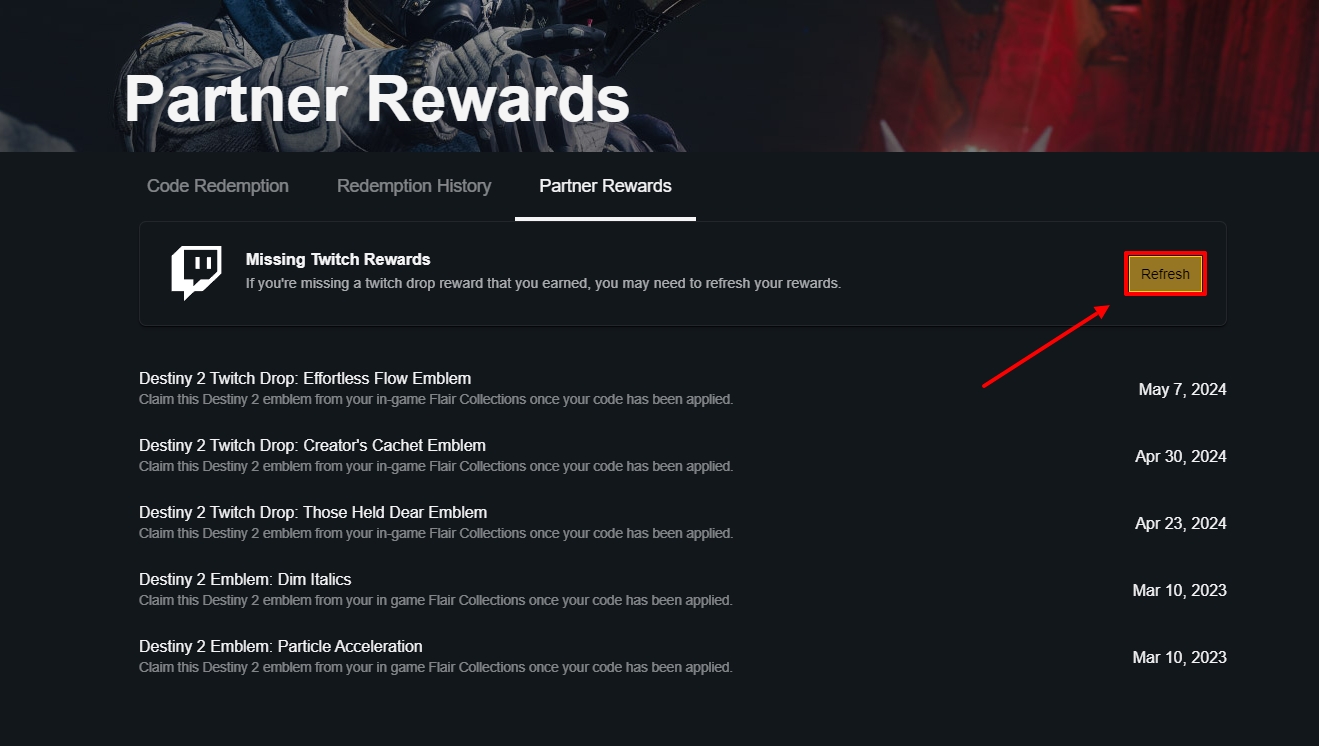
- Everything is ready, the reward will be available the next time you start the game. After receiving the items, you can untie the twitch account, the items will not be lost.
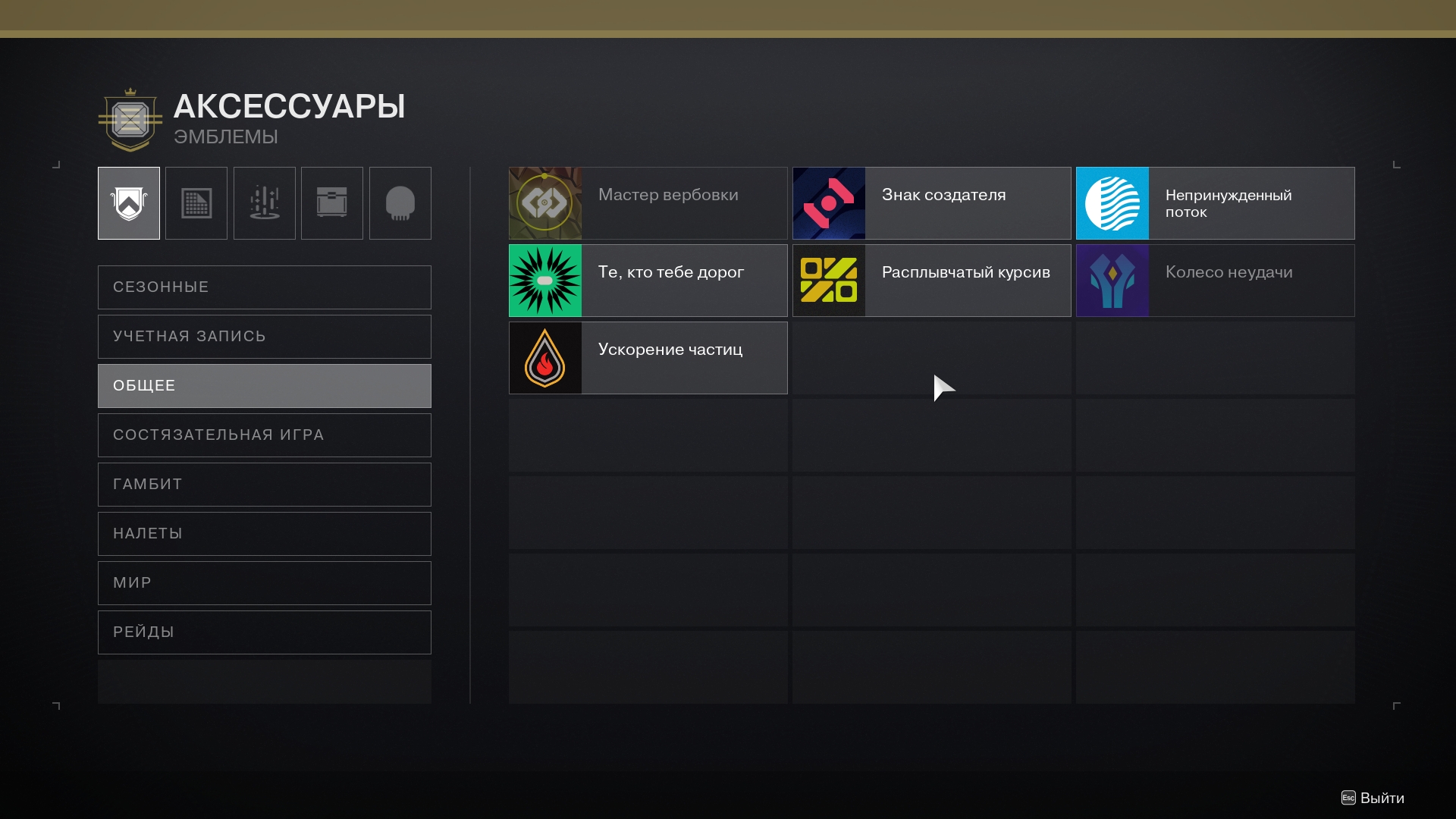
- Rewards can be found by following the following path in the game: "View the path of the guard" - "Collection" - "Accessories" - "General".