Activation instructions:
- On TWITCH.TV log out of your account and log into purchased twitch account
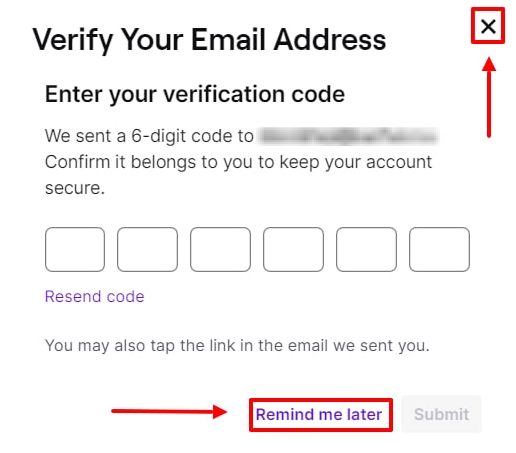
- If twitch asks you for a code from the mail then press "remind later", "cross" or F5 on your keyboard.
- Follow the link eveonline.com/twitch. Click the "SIGN IN WITH TWITCH" button, then click the AUTHORIZE button.
- Everything is ready, the reward will be available the next time you start the game. After receiving the items, you can untie the twitch account, the items will not be lost.
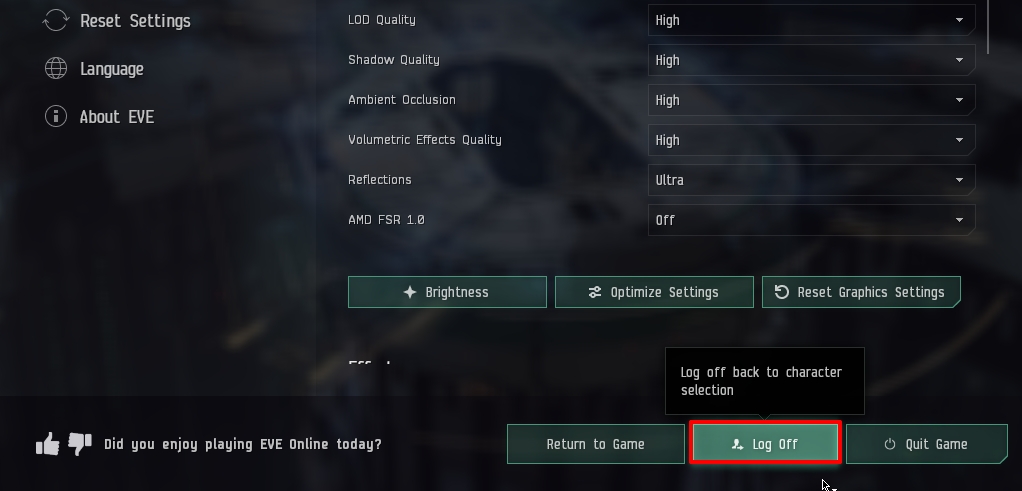
- If you have 1 character, then after opening the game you need to press esc on the keyboard and click Log Off to go to the item distribution menu.
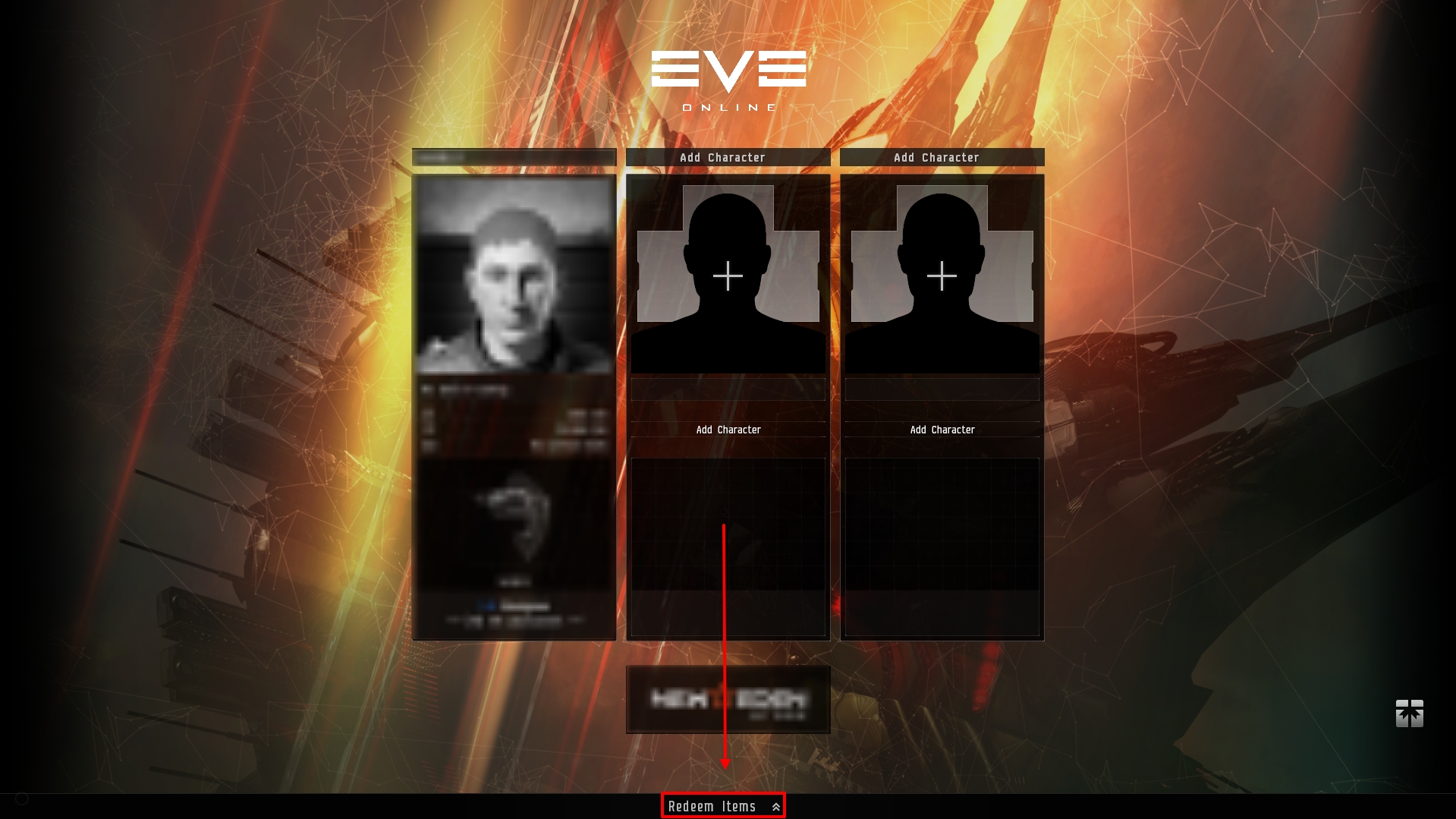
- After exiting the menu, click Redeem Items and drag the items to the desired character.
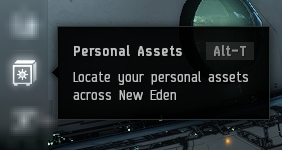
- In order to use items, in the right menu, click on the Personal Assets(Alt+T) icon.
- Dont forget that Mysterious GalNet Crate II you can get again by purchasing a new twitch account, the number of activations for 1 EVE account is not limited, everything is absolutely safe, it's just a twitch linking.