Activation instructions:
- On TWITCH.TV log out of your account and log into purchased twitch account.
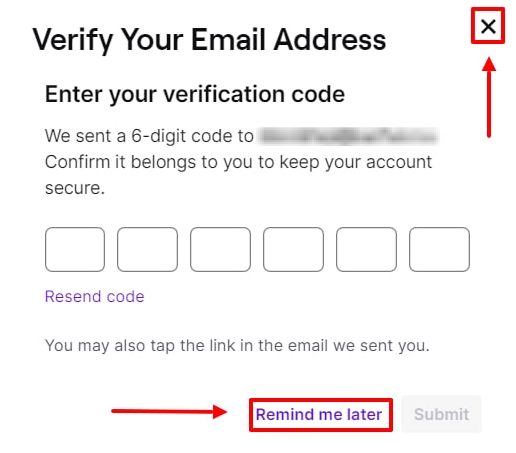
- If twitch asks you for a code from the mail then press "remind later", "cross" or F5 on your keyboard.
- Follow the link newworld.com/twitch-drops, scroll down a little, there will be a binding window. Click the "SIGN IN WITH TWITCH" button, then connect your game account and click the ACTIVATE button.
- Everything is ready, the reward will be available the next time you start the game. If it doesn't come within 10 minutes, reconnect the twitch. After receiving the items, you can untie the twitch account, the items will not be lost.
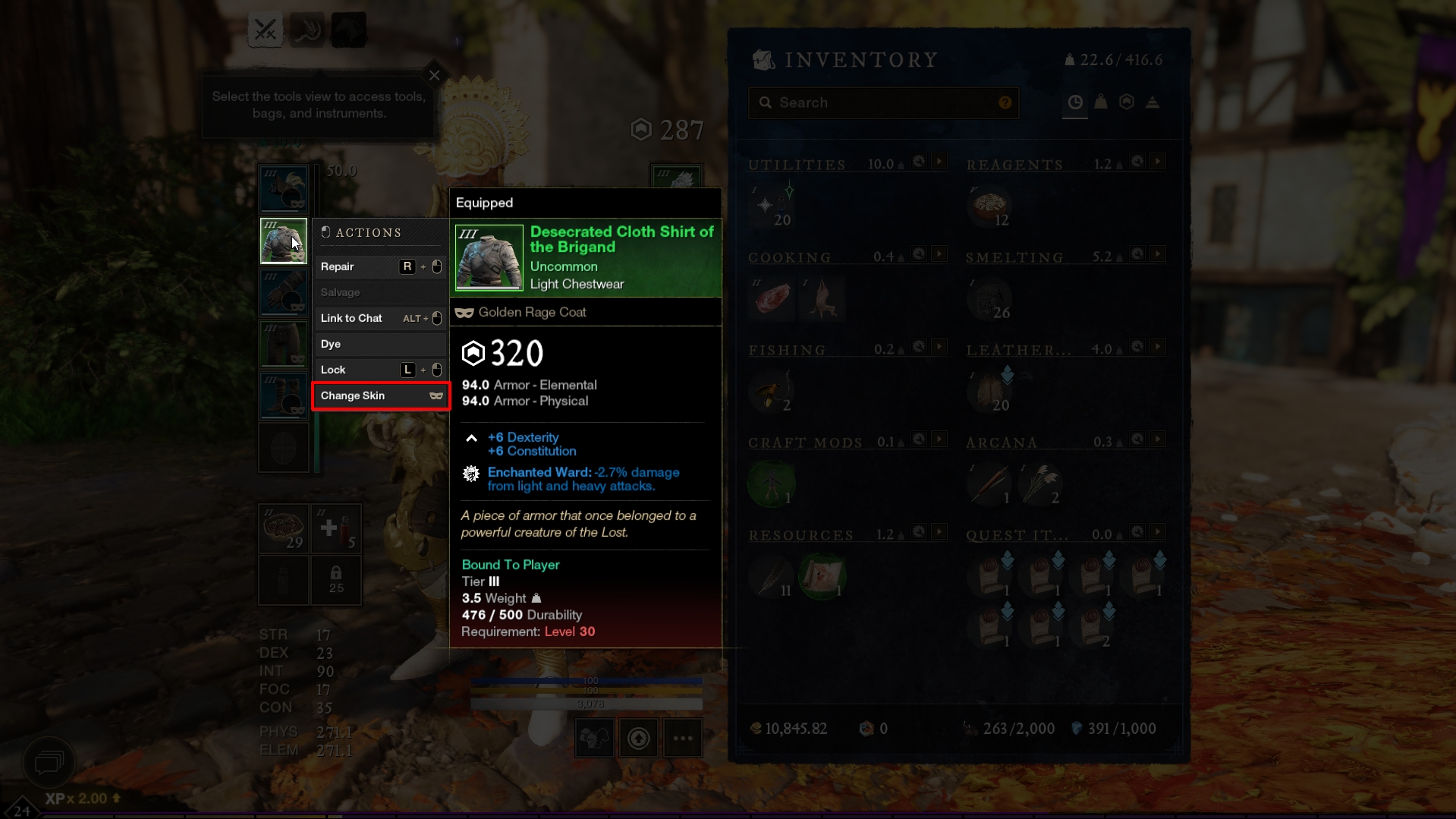
- In order to apply the skin in the game on any of the items of clothing / weapons, click to the LMB - Change Skin. Skins remain in the game forever and are transferred from server to server.
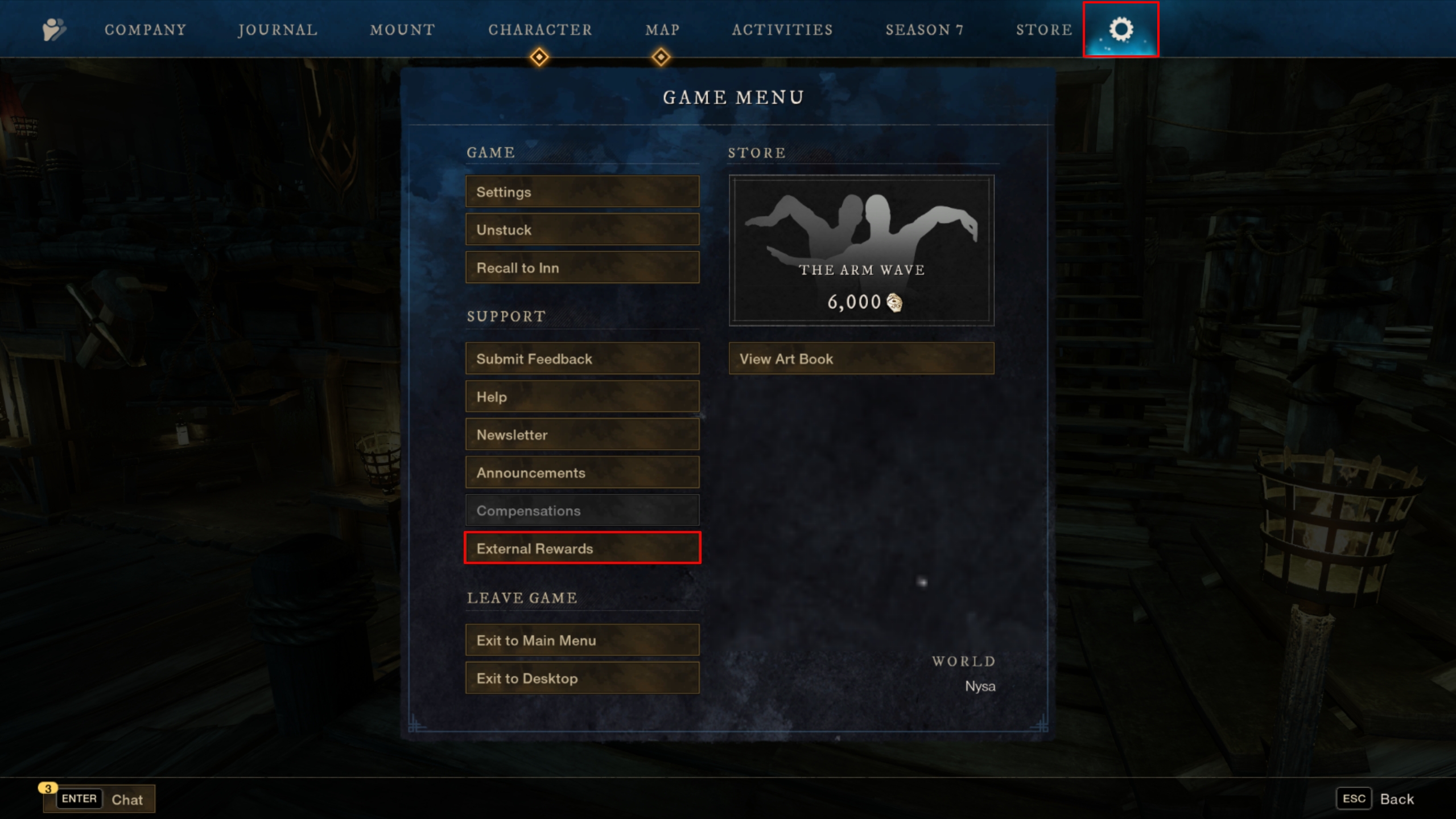
- To get Consumables/Resources/Tools, click Esc - Game Menu - External Rewards. Unlike skins, this type of reward can only be obtained on one server once.