Stalcraft
Activation instructions:
- On TWITCH.TV log out of your account and log into purchased twitch account.
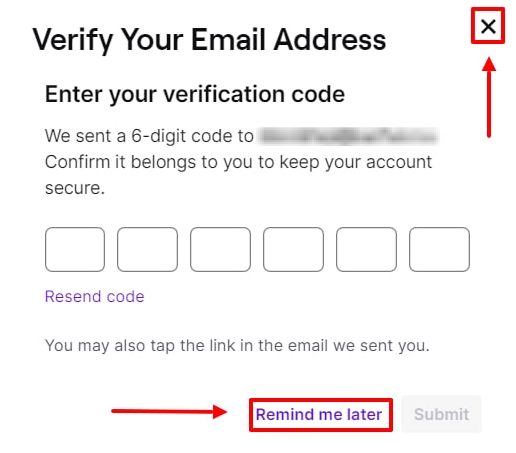
- If twitch asks you for a code from the mail then press "remind later", "cross" or F5 on your keyboard.
- Follow the link exbo.net/user, make sure you are logged into the RIGHT account, click on your nickname - “Account Settings”, select “Twitch” as the account to connect at the very bottom of the page.
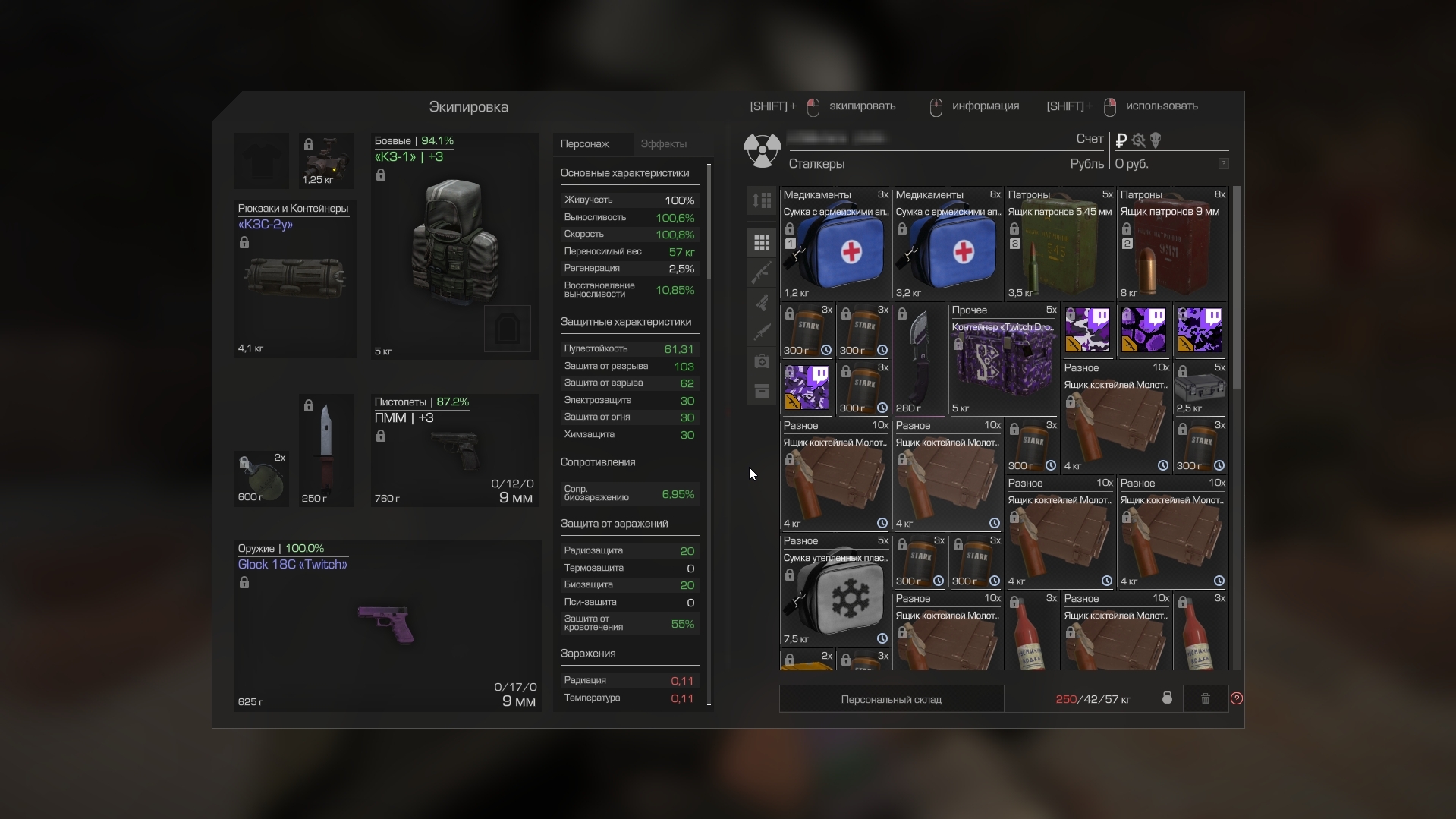
- Everything is ready, you can take the reward in the game from the "Awl" courier at the Bar, re-entering it several times due to the large amount of items (mail icon ✉️ on the map, NOT THE MAIL ITSELF in the game, the courier opens at the 2nd level, you need to reach it, to receive rewards), after which you can unlink your Twitch account. If you haven’t received it within 10 minutes, reconnect Twitch by disconnecting your game account using the link twitch.tv/settings/connections at the very bottom of the page. ❗ These items can only be received on your account once, do not activate or BUY other twitches for the same account twice.
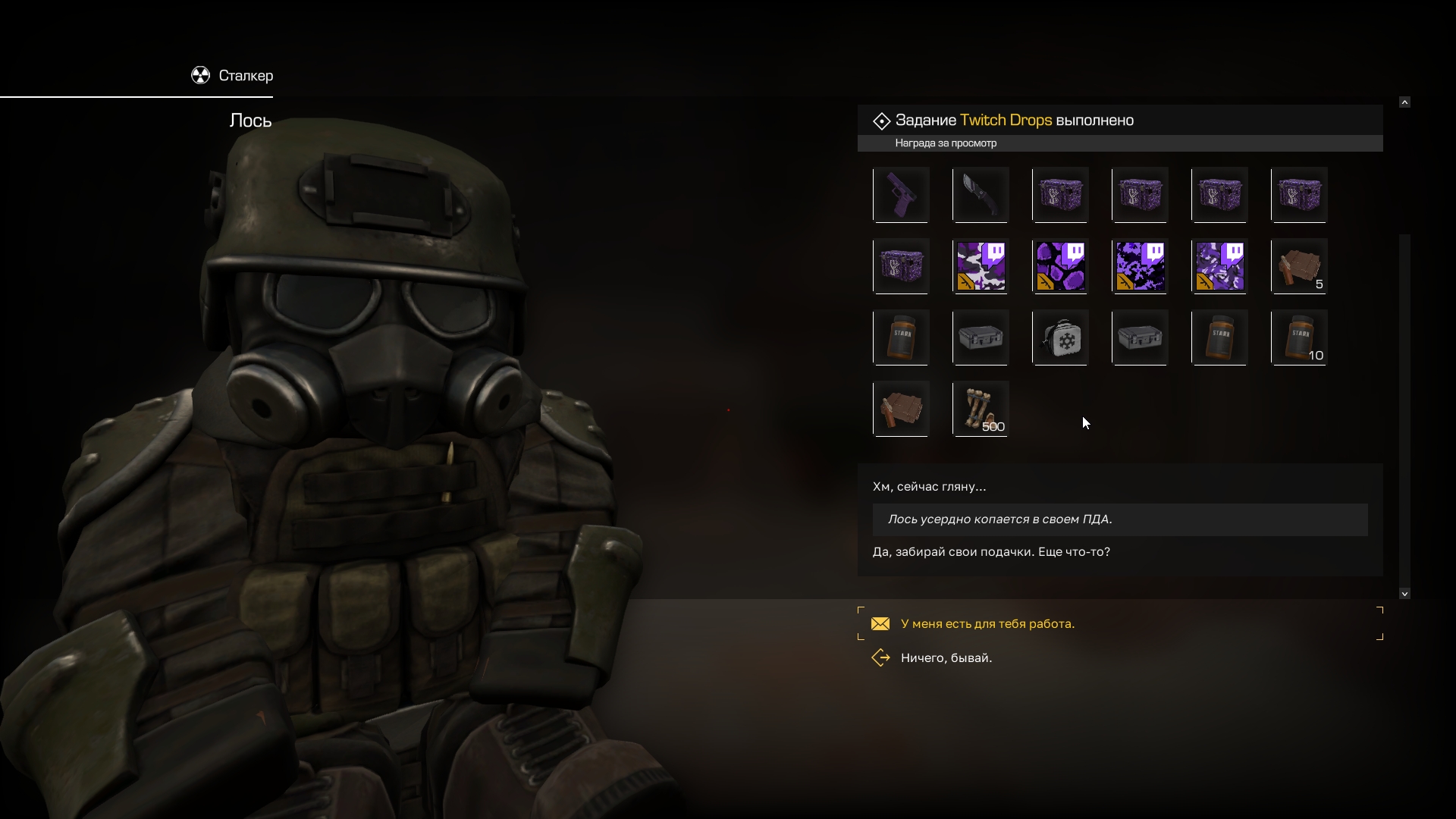
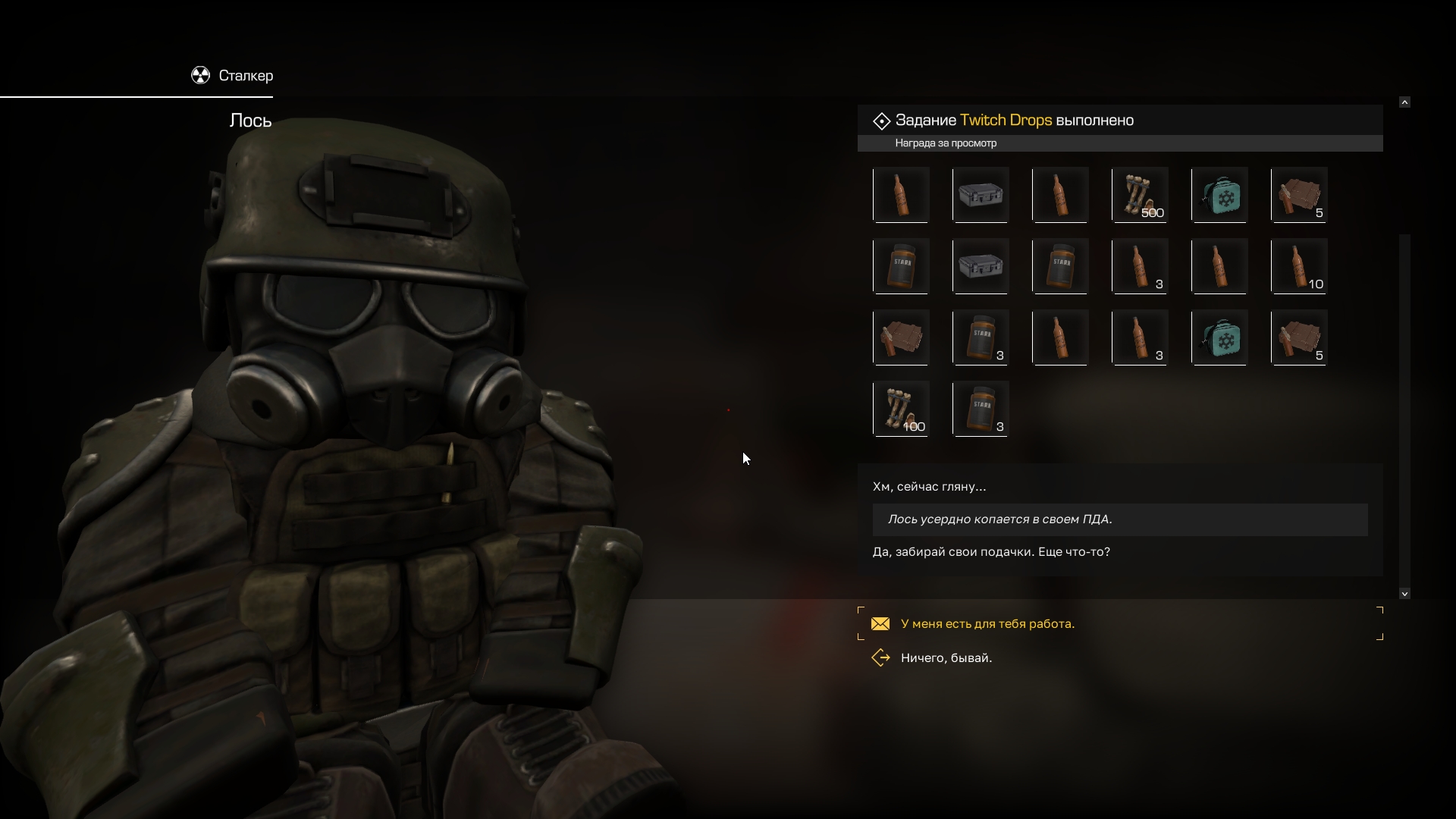
- If you havent used the courier before this moment, you need to go through the entire dialogue with him (to the inventory), close the inventory, and then press F again, then you will have an active phrase with the inscription “Twitch Drops”, by clicking on it, 20 slots with items will immediately go to your inventory.
- If your inventory is full, the gifts will remain with the courier until you pick them up. Due to the large amount of rewards, you need to contact the courier several times; you won’t be able to pick up everything at once due to the limit of 20 slots.
- 115 cases (Blizzard 2023) are given to the courier in the game already unpacked, you don’t need to open anything. You can open Twitch Lootbox, Sponsorship Cases and others in your inventory. The contents of the chests can be found in the description of the purchased product.
ㅤ
ㅤ